You use online banking and card payments every day, so strong authentication is essential.
This guide explains how Deutsche Bank protects your transactions using PhotoTAN and 3D Secure.

You will understand how both systems work and how they secure your account activity.
Introduction to Deutsche Bank Security Systems
You use digital banking regularly, so security must be structured and reliable. Deutsche Bank applies layered controls to protect your access and transactions.
- Multi-Factor Authentication (MFA): You confirm your identity using a registered device and a secure code. This lowers unauthorized access risk.
- Strong Customer Authentication (SCA): Your transactions require two authentication factors. This increases security.
- Encrypted Communication: Your data is sent through secure encryption protocols. This helps prevent interception.
- Device Binding: Your approved device is linked to your account. Unregistered devices cannot approve transactions.
- Real-Time Monitoring: Your activity is analyzed for unusual behavior. Suspicious actions trigger extra verification.
- Session Control: Your session includes automatic timeouts. This reduces exposure if your device is unattended.
What Is PhotoTAN?
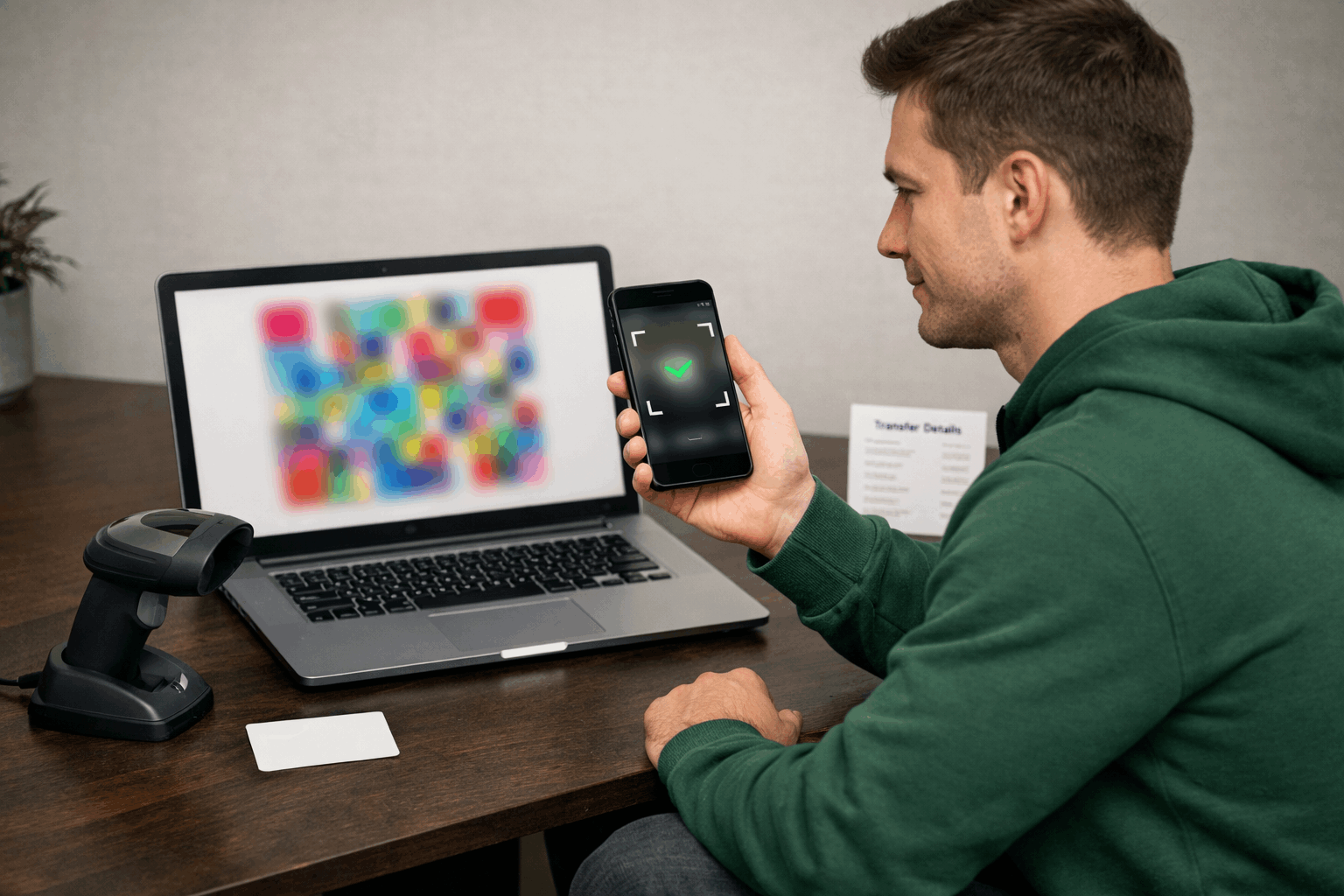
PhotoTAN is a transaction authentication system used by Deutsche Bank to confirm your online banking actions.
You scan a graphic code with the PhotoTAN app or device to generate a secure approval code for your transaction.
How PhotoTAN Works
You must approve sensitive banking actions before they are completed.
PhotoTAN creates a secure confirmation process between your registered device and your account.
- Transaction Initiation: You start a login or transfer in online banking.
- Graphic Code Display: A colored graphic code appears on your screen.
- Code Scanning: You scan the graphic using the PhotoTAN app or device.
- TAN Generation: The system generates a unique transaction number (TAN).
- Approval Confirmation: You enter or confirm the TAN to finalize the action.
Devices Compatible with PhotoTAN
You must use a registered device to generate secure approvals. PhotoTAN works only on approved hardware linked to your account.
- Smartphone (iOS and Android): You install the PhotoTAN app and register your device for secure confirmations.
- Tablet Devices: You can use a tablet with the PhotoTAN app if it is properly registered.
- Dedicated PhotoTAN Reader: You use a separate handheld device to scan the graphic code and generate the TAN offline.
- Replacement Registered Device: You must re-register a new device if you change or lose your original one.
When You Must Use PhotoTAN
You must confirm sensitive actions before they are completed. PhotoTAN ensures that only you can approve critical banking activities.
- Online Banking Login: You verify your identity when accessing your account.
- Money Transfers: You approve domestic and international transfers before execution.
- Standing Orders Setup or Changes: You confirm new or modified recurring payments.
- Adding or Editing Beneficiaries: You authorize changes to saved recipient details.
- Updating Personal Information: You verify profile changes, such as contact details.
- High-Risk Transactions: You confirm actions flagged by the bank’s risk system.
What Is 3D Secure?
3D Secure is an online payment authentication system used by Deutsche Bank to protect your card transactions.
You must verify your identity through an additional approval step before your online payment is completed.
How 3D Secure Works
You must complete an extra verification step when paying online with your card. 3D
Secure confirms that you are the authorized cardholder before approving the transaction.
- Online Payment Initiation: You enter your card details at checkout.
- Authentication Trigger: The system redirects you to a secure verification screen.
- Identity Verification: You confirm the payment using the banking app or a secure code.
- Risk Assessment: The system analyzes transaction details for unusual activity.
- Final Approval: Your payment will be completed upon successful verification.
When 3D Secure Is Triggered
You do not verify every online payment manually. 3D Secure activates when additional authentication is required.
- Online Shopping Payments: You may be asked to confirm purchases at participating merchants.
- High-Value Transactions: Larger payments can trigger extra verification.
- International Purchases: Cross-border transactions often require authentication.
- Unusual Spending Activity: Payments outside your normal pattern may activate verification.
- New Merchant Payments: First-time transactions with a retailer may require confirmation.
Differences Between PhotoTAN and 3D Secure
You use both systems for security, but they serve different purposes.
PhotoTAN protects your online banking actions, while 3D Secure protects your card payments.
- Primary Use: PhotoTAN secures logins and account transactions; 3D Secure secures online card purchases.
- Activation Environment: PhotoTAN works inside online banking; 3D Secure works during merchant checkout.
- Authentication Method: PhotoTAN generates a TAN via app or reader; 3D Secure requires app approval or secure code confirmation.
- Transaction Type: PhotoTAN confirms transfers and profile changes; 3D Secure confirms debit or credit card payments.
- Risk Trigger: PhotoTAN is required for sensitive banking actions; 3D Secure is activated based on the payment risk assessment.
Step-by-Step Activation Process
You must activate both systems before you can approve transactions. The setup securely links your device and card to your Deutsche Bank banking profile.
- Download the App: Install the PhotoTAN app from your official app store.
- Receive Activation Code: Get your registration letter or activation details from the bank.
- Register Your Device: Scan or enter the activation code to link your device to your account.
- Complete Initial Test: Confirm a test action to verify the setup.
- Enroll Card for 3D Secure: Ensure your card is registered for online payment authentication.
- Verify Mobile Number: Confirm your contact details for secure notifications.
- Confirm First Payment: Approve your first authenticated online transaction to finalize activation.
Fees and Charges
You should understand whether security tools involve additional costs. In most cases, authentication procedures are included in your standard banking services.
- PhotoTAN App Usage: The app is generally free.
- Dedicated PhotoTAN Reader: A one-time fee may apply if you request a separate device.
- 3D Secure Authentication: There is typically no extra fee for card payment verification.
- Data Usage Costs: Mobile data charges depend on your network provider.
- Replacement Device Fee: A fee may apply if you replace a lost PhotoTAN device.
Common Issues and Troubleshooting
You may face technical or access issues during authentication. Most problems can be resolved quickly if you follow the correct steps.
- App Not Generating TAN: Check your internet connection and ensure the app is up to date. Restart your device if needed.
- Device Not Recognized: Confirm that your device is properly registered. Re-register if you recently changed phones.
- Transaction Blocked: Review the transaction details and retry. Contact support if the issue continues.
- Lost or Stolen Device: Immediately block access through online banking or customer service. Register a new device afterward.
- 3D Secure Not Triggering: Ensure your card is enrolled and your contact details are correct. Update your banking app if required.
- Authentication Code Expired: Generate a new code and complete the approval promptly.
Official Contact and Support Channels
You should use official channels when you need help with authentication or account security. Deutsche Bank provides multiple verified support options.
- Official Website: You can access security information and support through the official Deutsche Bank website.
- Customer Service Hotline (Germany): You can call +49 (0)69 910-10000 for general banking assistance.
- Online Banking Secure Message: You can send encrypted messages directly inside your online banking account.
- 24/7 Card Blocking Service: You can block lost or stolen cards via +49 116 116 (Germany-wide blocking hotline).
- Branch Assistance: You can visit a local Deutsche Bank branch for in-person support and identity verification.
Final Takeaway
Understanding PhotoTAN and 3D Secure helps you protect your online banking and card payments with Deutsche Bank.
You strengthen your security by using registered devices, verifying every transaction, and following authentication procedures correctly.
Review your current security settings today and ensure your account protection is fully activated.