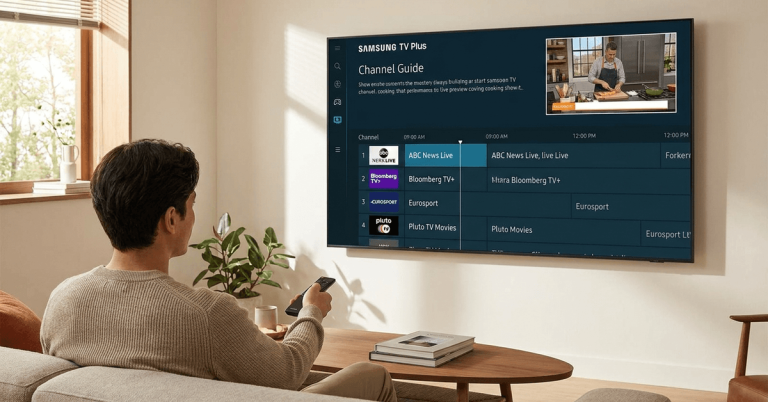
LG touts 5,000 channels across 37 countries for its free streaming service, LG Channels. That number landed in July 2026. Sounds like a cable-killer.
But plug in an LG TV in Portugal, Argentina, or India, and the channel count drops to double digits. The gap between the marketing number and what loads on your screen is enormous.
A first-time LG Smart TV owner cutting cable right now needs to know exactly where this service delivers and where it quietly runs dry. That person, budget-conscious and done paying for subscriptions, is who this article is for.
How LG Channels Runs on webOS and Which TVs Get It
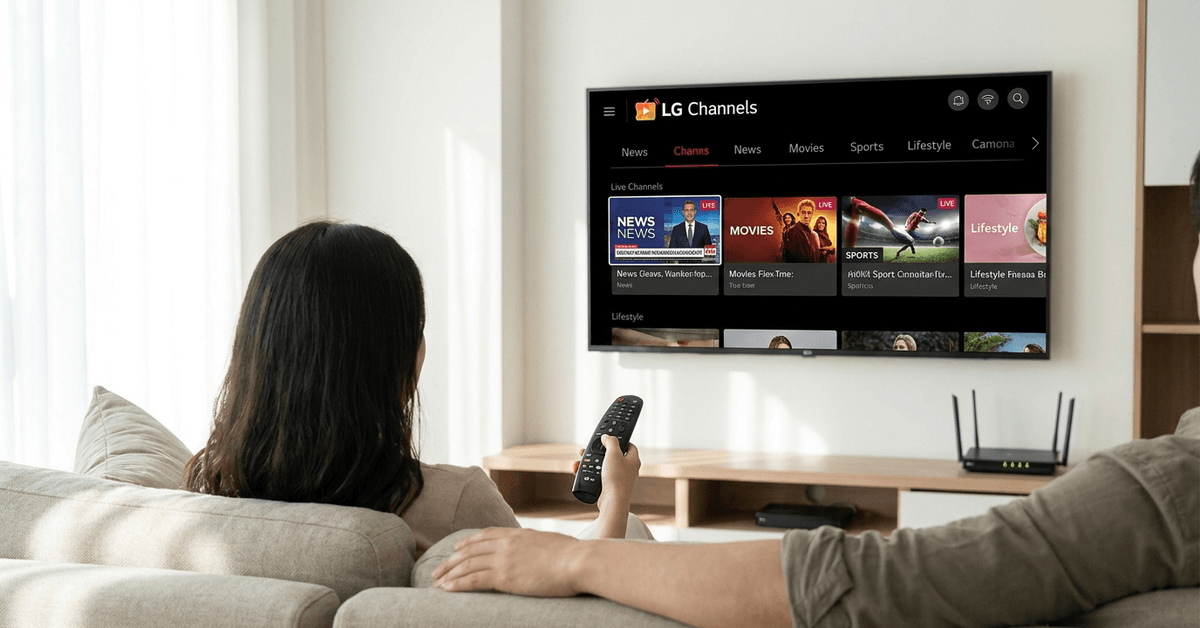
LG Channels is a free ad-supported streaming TV (FAST) service baked into LG Smart TVs running webOS. No app download, no account creation, no credit card.
The service is powered by XUMO on the backend, and it pulls live linear channels plus some on-demand content through your home internet connection.
The catch that trips people up is compatibility. LG has changed the webOS version numbering multiple times, and the LG Channels experience differs depending on which version your TV runs.
webOS Version and TV Model Requirements
LG TVs from 2018 onward running webOS 4.0 or later support LG Channels. Older models from 2012 to 2018 may run webOS 4 but often have a stripped-down version of the service.
The difference matters because newer webOS versions (2019+, running webOS 4.5 and above) get the updated interface, personalization tools, and the November 2025 redesign that introduced a new logo and cleaner navigation.
I would skip relying on LG Channels if your TV runs anything older than webOS 4.5, because the interface on older firmware is sluggish, the channel count is lower, and LG has little incentive to push updates to hardware it considers legacy.
A 2017 LG TV technically “supports” the service, but the experience compared to a 2022 model is night and day.
Activating LG Channels When It Doesn’t Appear
On newer LG TVs, LG Channels is enabled by default. On some models, though, it stays hidden until you manually toggle it on. The activation path depends on your webOS version:
- webOS 22 and newer: Go to Settings, then Support, then Privacy & Terms, then User Agreements, and toggle LG Channels Service to On
- Older webOS versions: Go to Settings, then Channels, then LG Channels, and toggle the switch
- If nothing shows up: Run a firmware update first through Settings, then Support, then Software Update. Region restrictions or outdated firmware are the two most common reasons LG Channels won’t appear
If the service still doesn’t load after updating, check your TV’s region setting.
Some users in smaller European or Latin American markets report that switching the TV region to a supported country loads a different channel set. LG does not officially endorse this, and it may affect warranty terms.
The 5,000-Channel Number LG Keeps Repeating
LG announced in July 2026 that LG Channels passed 5,000 channels globally across 37 countries.
Monthly active users grew 30% year-over-year in 2025, and total viewing time jumped more than 45%. Those numbers are real. They are also deeply misleading for anyone outside the United States.
Regional Gaps Are Massive
The US lineup sits around 300 to 435 channels depending on how you count on-demand integrations. Channels like CBS News, CBS Sports, Pluto TV, Crackle, and niche networks like a dedicated Universal Monsters channel fill out the guide.
Move to Europe, and the picture shrinks. LG Channels launched in Poland in July 2026, bringing the European country count to 17. But the Polish launch included a handful of news, sports, music, and Korean content channels. That is a fraction of the US catalog.
Latin American markets like Brazil, Mexico, and Colombia have LG Channels, but again, the selection is thinner. India gets around 150 channels. My take on the 5,000 number: it is a sum across every market, and no single viewer will ever see more than a slice of it.
Channels Appear and Disappear Without Warning
One problem that gets zero coverage in most LG Channels guides: channel churn. LG adds channels quietly, which sounds like a positive. But channels also disappear without notice.
A movie channel you watched last Tuesday might vanish by Friday because a content licensing deal ended or a partner rotated their feed elsewhere. This makes it impossible to build viewing habits around LG Channels the way you would with a cable package.
There is no public changelog. No notification. No archive of removed channels. The guide just looks different one day, and you are left scrolling to figure out what changed.
LG Channels vs Samsung TV Plus vs Pluto TV
All three services are free, ad-supported, and built for passive TV watching. But they differ in ways that matter to someone choosing between them or, more commonly, stacking them on the same TV.
| Feature | LG Channels | Samsung TV Plus | Pluto TV |
|---|---|---|---|
| Channel Count (US) | 300-435 | 250+ | 300+ |
| Device Lock-In | LG TVs only | Samsung TVs, Galaxy phones, tablets | Roku, Fire TV, Apple TV, smart TVs, phones, web |
| Account Required | No | Optional (unlocks features) | No |
| On-Demand Library | Limited (via Pluto TV/Tubi integration) | Select partner content | Large standalone library |
| Countries Available | 37 | 24+ | 35+ |
| Offline Viewing | No | Select content on mobile | No |
The takeaway: Pluto TV is the most flexible because it works on any device and does not lock you into one TV brand.
I think the common recommendation to use LG Channels as your primary free TV source is wrong if you own an LG TV.
Pluto TV, installed as a separate app on that same LG TV, gives a more consistent channel lineup across regions, a larger on-demand library, and the freedom to continue watching on a phone, tablet, or Roku if you ever switch TV brands.
LG Channels is a nice bonus that comes preloaded. Treating it as your main free TV pipeline is a mistake because you are building viewing habits around a walled-garden service tied to one manufacturer.
Ads and Privacy: The Real Price Tag on “Free”
LG Channels runs ads comparable to traditional TV broadcasts. Expect commercial breaks roughly every 12 to 15 minutes, lasting about 2 to 3 minutes. No premium tier exists. No way to pay for an ad-free version. The ads are the business model.
Data Collection and Your Privacy Dashboard
Like every smart TV platform, LG Channels collects viewing data for advertising targeting and analytics. LG does provide privacy controls buried in the TV’s settings menus, but the defaults lean toward maximum data sharing.
The steps to limit data collection:
- Open Settings, go to Support, then Privacy & Terms
- Review each toggle under Viewing Information and Voice Information
- Disable Live Plus if you do not want interactive ad overlays
- Check Ad Settings and toggle off personalized advertising if available on your model
LG’s privacy controls are better than they were three years ago, but they require you to actively seek them out.
The TV will never prompt you to review these settings, and every firmware update has the potential to reset preferences to defaults. Check after every update.
Getting More Out of LG Channels on Your TV
The LG Channels interface is not great at surfacing content. The November 2025 redesign cleaned up the visual layout but pushed customization options deeper into sub-menus. A few things worth doing:
- Hide channels you never watch. The default guide is bloated with shopping channels and niche content that clutters the scroll. Removing them makes the usable lineup easier to browse.
- Set up a favorites list. LG lets you star channels for quick access. Do this early, or you will waste time re-finding channels every session.
- Search by genre keyword. Typing “movies” or “news” into the search pulls up grouped results that the main guide does not organize well on its own.
- Check the channel guide weekly. New channels get added without announcements. Old ones vanish the same way. A weekly scroll prevents the surprise of losing something you relied on.
LG’s official support page at lg.com lists current channel availability and troubleshooting steps for specific TV models. For community-sourced tips and regional workarounds, the r/LGTV subreddit is more current than LG’s own forums.
Questions People Ask About LG Channels
A few questions that keep coming up in forums and search results, answered with the details that matter.
- Q: Can I get LG Channels on a non-LG TV or streaming device? LG Channels is exclusive to LG Smart TVs running webOS. There is no app for Roku, Fire TV, Apple TV, or mobile phones. If you switch TV brands, your LG Channels access goes with the old TV. This is one reason building your free TV setup around a platform-agnostic app like Pluto TV or Tubi makes more sense long-term.
- Q: Does LG Channels include local broadcast stations? Some US markets get local affiliate feeds through LG Channels, but availability varies by city. The TV auto-selects your local feed based on your location. Outside the US, local broadcast channels on LG Channels are rare. An antenna is still the most reliable way to get local stations.
- Q: How often does LG add new channels? LG adds channels throughout the year without a fixed schedule. The company announced new FAST channels in March 2026 including a culinary channel and a comedy podcast channel. Removals happen just as silently, so the lineup you see today may differ next month.
Conclusion
LG Channels fills a specific gap for LG TV owners who want background television without a subscription bill. The service works best as a supplement stacked alongside Pluto TV or Tubi, not as a standalone replacement.
Cord-cutters outside the US should temper expectations and verify their regional channel count before ditching paid services. The free price tag is real, but so are the limitations that come with it.